
IT support for healthcare providers looks very different when the provider is a three-surgery dental practice, a physiotherapy clinic or a home care agency rather than a hospital. The NHS has its own IT departments. Most small private health and care businesses do not, so the practice manager or the owner ends up as the IT department by default, usually between appointments.
What these businesses share is not the treatment they offer. It is the shape of their IT. Nearly all of them hold records that count as special category data under UK GDPR, run on small teams, have people working away from a desk, and answer to someone (a regulator, a commissioner or a contract) who wants evidence that those records are safe.
Computercentric has provided IT support and managed services to businesses across the West Midlands for over 20 years. Over that time our clients have included a local dental practice and a provider of children’s and family services, alongside the offices, manufacturers and charities that make up most of our work. We are IT people, not clinicians. We look after the systems, devices and connections, and you stay in charge of care and compliance decisions.
Talk to us about IT support for your practice or care service. Call 01922 830000, WhatsApp or email.
Who we support in health and care
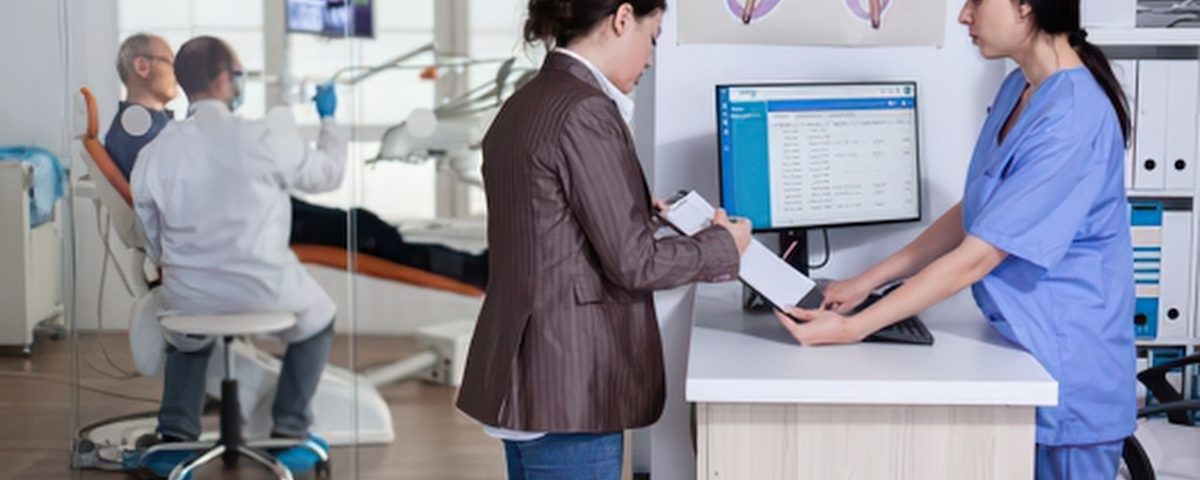
Our healthcare IT services are built for small providers in the independent healthcare sector rather than NHS trusts. That covers dental practices, whether NHS, mixed or fully private, and private clinics of every kind: physiotherapists, chiropractors, osteopaths, podiatrists, sports therapy and aesthetics clinics, hearing and optical practices, and private GP or consultant rooms. It also covers counselling, psychology and talking therapy practices, many of which are one or two people working across several rooms or from home.
On the care side, it covers home care and domiciliary care agencies, small residential and nursing homes, fostering agencies, child contact centres and family assessment services. Health and care charities fit here too, and our page on IT support for charities covers the funding and governance side.
If your team is small and your records are sensitive, this is the service we built for you.
What IT support for healthcare providers includes
Healthcare IT support for a small provider covers the same ground as any well-run office, with extra attention on who can see what, what happens when something fails, and how you prove it. In practice, managed IT services for healthcare providers mean:
- Helpdesk support for reception, practitioners, carers and managers
- Microsoft 365 set up properly, with multi-factor authentication and controlled shared mailboxes
- Support for the PCs, network and any server your practice or care software relies on
- Device management for laptops, tablets and phones, including remote lock and wipe
- Separate Wi-Fi for staff and for patients, residents or visitors, through proper network design and installation
- Proactive monitoring and patching, so problems are found before a clinic day is lost
- Email security, phishing protection and short staff awareness sessions
- Backup and recovery that is tested, not assumed
- A written downtime plan for when the internet, the power or a software supplier goes down
- Business broadband with 4G or 5G backup where the building needs it
- Business phone systems and the move away from analogue lines
- Cyber Essentials preparation and the technical evidence for DSPT, CQC or commissioner questionnaires
- Secure data destruction for old PCs, drives and phones
- Joiners and leavers handled on the day, so former staff do not keep access to records
The aim is simple: your team should be able to get on with appointments and visits without thinking about IT, and you should be able to answer “how do you protect our data?” without a long silence.
The rules that shape your IT, in plain English
Health and care records are special category data under UK GDPR. The law does not name products or brands. It asks for security that matches the sensitivity of the information and the harm a leak could cause, which in practice means controlled access, multi-factor authentication, encryption on portable devices, supported software, protected backups and a way to spot and respond to a breach.
What follows is the IT side only. Your regulator, contracts and legal position are yours to confirm, and we are not lawyers. Most of the rules below apply in England.
UK GDPR and the ICO
A practice or care service that holds patient or client records electronically will normally need to pay the ICO data protection fee. The ICO says most organisations pay £52 or £78 a year, depending on size. Paying it is not the same as being compliant.
If a breach is likely to put people at risk, you must tell the ICO without undue delay and, where possible, within 72 hours of becoming aware of it. Not every IT incident is reportable, and the decision is yours as the data controller. Our job is to escalate quickly and give you the facts you need to decide. Any IT provider that can reach those records acts as your processor, so check there is a written data processing agreement in place.
The Data Security and Protection Toolkit
The DSPT is the NHS self-assessment of data security, and it does not apply to every private provider. It is normally required for NHS dental practices and for any organisation that uses NHS patient data, NHS systems or works under a contract that asks for it.
For CQC-registered adult social care, government guidance expects providers to complete it each year and reach “Standards Met”, and CQC looks for the DSPT or an equivalent when it reviews digital records. A wholly private clinic, therapy practice or fostering agency usually has no general duty to complete it, although a commissioner contract can change that. Where you do submit one, we supply the technical evidence it asks for: the asset register, MFA, patching, backups and access controls.
CQC and Ofsted
CQC wants records that are secure, accurate, up to date and available to the right people, with clear responsibility and evidence that controls work in practice rather than only on paper. Ofsted expects regulated fostering agencies and residential family centres to keep records clear, current and secure, with IT safeguards and a continuity plan that protects them. Not every children’s service is Ofsted-regulated, and ordinary child contact centres are not automatically included.
No IT system or certificate guarantees a rating. What good IT gives you is evidence, ready when an inspector or commissioner asks.
Cyber Essentials
Cyber Essentials is the government-backed baseline certificate, built around five technical controls. It is not a legal requirement for private health and care providers, but NHS, central government and council contracts can ask for it, and it renews every 12 months. It does not replace the DSPT. For most small providers it is the simplest way to show a commissioner that the basics are covered.
Where things actually go wrong
Many data incidents in small practices have nothing to do with hackers. In its 2025/26 annual report, the ICO said communications sent to the wrong person were the most common type of breach reported across all sectors, at just over 20%. Health is consistently among the sectors reporting the most breaches.
Phishing is the other big one. The government’s Cyber Security Breaches Survey 2026, published on 30 April 2026, found that 46% of small businesses identified a breach or attack in the previous 12 months, and phishing was by far the most common. Only 25% of businesses had a formal incident response plan.
In a clinic or care service, that looks very ordinary. An email autocompletes to the wrong patient. Reception shares one login on the front desk PC. A tablet goes missing from a car and nobody knows whether it was encrypted. A carer who left in the spring can still open the rota app. The fixes are just as ordinary:
- Named accounts for everyone, with MFA on email and remote access
- Email rules that flag external recipients and catch the obvious mistakes
- Encryption and remote wipe on every laptop, tablet and phone
- Access removed the day someone leaves
- Backups kept separate from the live system and tested
- A one-page plan that says who does what if something goes wrong
None of this needs enterprise budgets. It needs someone to set it up properly and keep checking it.
Your practice software still needs local IT
Much of today’s practice and care software runs in the cloud, which removes some problems and creates others. The application might live in someone else’s data centre, but it still depends on your PCs, your network, your Wi-Fi, your accounts and your internet connection. For a small practice, medical IT support mostly means looking after that environment, and dealing with your software supplier when a fault sits inside the application.
IT support for dental practices
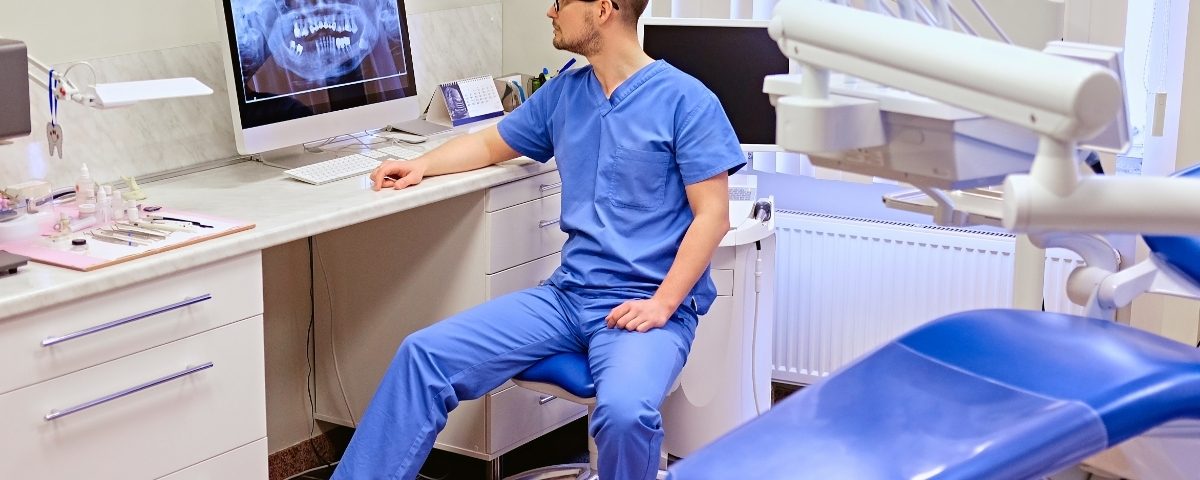
Dentally runs in a browser, while Software of Excellence EXACT and Carestream R4+ often still run on a server in the practice. Either way, dental imaging usually needs local kit. X-ray sensors need software and drivers on the surgery PC, intraoral scanners connect to a workstation, and image storage can grow quickly. We look after those PCs, the server where there is one, the network between surgeries, and backups that cover both the database and the images.
Private healthcare clinics and therapists
Physiotherapy, chiropractic, osteopathy, aesthetics and therapy practices often run on cloud systems such as Semble, Cliniko, WriteUpp, Pabau or Jane, so there is no server to look after. The risks move to the edges: a compromised email account, a shared login, an unmanaged laptop, or an export left on someone’s desktop. That is where we focus.
IT support for care homes and home care
Nourish, Person Centred Software, Log my Care and Birdie are cloud-based, which suits carers working from tablets and phones. It also means the care record is only as available as your Wi-Fi, your broadband and your devices. We manage the devices, keep the network reliable across the building and help you plan for the day the connection drops.
Fostering and children’s services
Case management systems such as CHARMS and Clearcare are cloud-based, with long retention periods and strict access rules. We help make sure accounts are individual, access matches each person’s role, and records stay safe when staff or foster carers leave.

Staff who work away from the desk
Carers visit people at home. Therapists work from more than one clinic. Social workers and foster carers write up notes at their kitchen table. All of that is normal, and it is where much of the risk sits.
The answer is managed devices wherever staff handle client information regularly: encrypted, screen-locked, kept up to date and enrolled so they can be locked or wiped remotely if lost. Remote wipe has to be set up before a device goes missing, not after. Where staff use their own phones, the rules need to be written down and the work data kept separate from personal apps and cloud backups. Shared tablets in a care home are fine as hardware, as long as each person signs in with their own account.
WhatsApp deserves a mention because it is everywhere. There is no blanket legal ban on it in health and care, but running care or client communication through staff members’ personal WhatsApp accounts leaves you with no control over who sees what, where it is backed up, or what happens when someone leaves. Messaging your business controls, such as Microsoft Teams within your own Microsoft 365, keeps important information in the proper record.
The landline switch-off
Openreach is closing the old analogue phone network on 31 January 2027, a date it reconfirmed in September 2026. For a reception phone that is a straightforward move. For a care home or a care agency there is usually more plugged into the old lines than people realise.
Before the switch, check:
- Telecare and pendant alarms, and how they reach the monitoring centre
- Fire and intruder alarm diallers
- Lift emergency phones
- Any external link from the nurse call system
- Fax machines that are still in use
- Older card terminals that dial out over a phone line
- Main phone numbers, call queues, voicemail and out-of-hours routing
Each supplier should confirm and test its replacement end to end, and anything safety-related should have backup power and a second way to connect if the router goes down. We handle the phone and connectivity side and work with your alarm and telecare suppliers on the rest.
Wi-Fi, connectivity and downtime
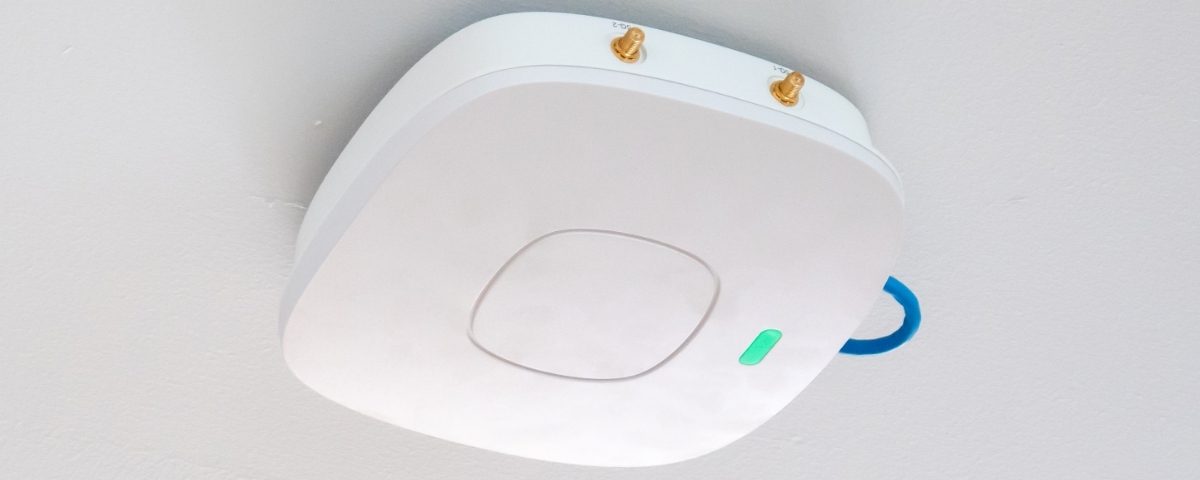
Patient, resident and visitor Wi-Fi should never share a network with the PCs and tablets that hold records. A separate Wi-Fi name is not enough on its own; the networks need to be properly separated so traffic cannot pass between them. We design and install networks that do that, including in older buildings where coverage is often the real problem.
Cloud systems also raise a simple question that CQC asks too: what happens when the internet goes down? A good downtime plan says which records you need to keep people safe, how you will see them during an outage, how notes get back into the system afterwards, and who decides when to switch to it. Where the building justifies it, a tested 4G or 5G backup connection keeps the essentials running, but it has to be checked inside the building, not on a coverage map.
Old computers and phones still hold patient data
Deleting files or resetting a PC does not remove health records from its drive. Old surgery PCs, laptops, phones, tablets and even printers can hold years of patient or client information.
The ICO expects electronic records to be destroyed in a way that prevents disclosure, with evidence from any supplier you use. Our secure data destruction service physically shreds hard drives, SSDs and portable storage using a process certified to ADISA standards, then provides a certificate of destruction with a matching asset register. That gives you evidence you can check against your own records, which is exactly what an auditor or commissioner will ask for.
IT support for healthcare providers in Birmingham and the West Midlands
Computercentric is based in Aldridge, near Walsall, which puts most of the West Midlands within easy reach. Most day-to-day support happens remotely, so a locked-out receptionist or a laptop that will not connect gets sorted quickly. When something needs hands on site, such as a new surgery PC, cabling or a Wi-Fi survey in a care home, an engineer comes to you.
The region has a large independent health and care sector, much of it run by small teams. Skills for Care counted 771 regulated adult social care locations across Birmingham and Solihull in its October 2025 report, with 159 regulated services in Walsall and 207 in Wolverhampton. Add the dental practices, clinics and therapy rooms on every high street, and that is a lot of sensitive data looked after by people whose real job is something else.
If you run an adult social care service in Birmingham, Solihull, Walsall, Wolverhampton or Dudley, West Midlands Care Association is the local Better Security, Better Care partner and offers free help with the DSPT. That support focuses on guidance and the toolkit itself. We can put the technical controls in place and produce the evidence it asks for.
Getting started with us usually looks like this:
- A short conversation about your practice or service, your team and the software you use
- A review of your devices, network, accounts, backups and phone lines
- A written list of gaps in priority order, with clear costs
- The fixes you agree to, followed by ongoing support and monitoring
Most of the work after that happens quietly in the background, which is how it should be.
We support healthcare and care providers in Birmingham, Walsall, Wolverhampton, Aldridge, Sutton Coldfield, Lichfield and Bournville.
Healthcare IT support across the West Midlands & Staffordshire
We support dental practices, private clinics, therapists and care providers in each of the areas below, from a single treatment room to services running several sites, keeping records, devices and connections secure and working.
Birmingham
- Managed IT support
- Cybersecurity & EDR
- Cloud & Microsoft 365
Walsall
- Managed IT support
- Backup & disaster recovery
- Proactive monitoring
Wolverhampton
- Managed IT support
- Cybersecurity & compliance
- Network management
Sutton Coldfield
- Managed IT support
- Microsoft 365 management
- Business continuity
Lichfield
- Managed IT support
- Cybersecurity & EDR
- Backup & recovery
Aldridge
- Managed IT support
- Cloud services & hosting
- IT consultancy
Bournville
- Managed IT support
- Endpoint protection
- Business continuity
Frequently asked questions about IT support for healthcare
What does IT support for healthcare providers include?
For a small practice or care service, it covers the everyday helpdesk, Microsoft 365 and email security, the PCs, network and any server your software runs on, mobile devices, Wi-Fi, backups, phones and connectivity. On top of that comes the evidence side: an asset register, proof of MFA and patching, restore tests and help with DSPT, Cyber Essentials or commissioner questionnaires. The difference from ordinary office IT is the weight placed on access control and on knowing what happens when something fails.
How much does IT support cost for a small practice or care service?
Published UK supplier guides from 2025 and 2026 put managed IT support at roughly £25 to £100 per user or device per month, with fuller managed services commonly between £40 and £80. Practice servers, imaging workstations, care home Wi-Fi and carer devices are often priced on top. These are market benchmarks rather than our prices, so ask us for a quote based on your actual setup, and see our guide to small business IT support costs for more detail.
Do I need the DSPT if I run a private clinic?
Usually not, if the clinic is wholly private and does not use NHS patient data, NHS systems or work under a contract that requires it. It is normally required for NHS dental practices and expected each year for CQC-registered adult social care. Even where it is not required, the DSPT checklist is a useful way to see whether your basics are in place.
Is Cyber Essentials worth it for a dental practice or private clinic?
For most small providers, yes. It is not a legal requirement, but it covers the five controls that stop the most common attacks, it is quick to achieve when your IT is already well managed, and it gives you a straightforward answer when a commissioner, insurer or referral partner asks about security. Some NHS, government and council contracts require it.
Can you support our practice or care software?
We support the environment your software runs in: the PCs, server, network, Wi-Fi, accounts, backups and connections to other systems. When a fault sits inside the application itself, we deal with the software supplier on your behalf rather than leaving you in the middle. That matters most when the supplier says it is a network problem and the network says it is a software problem.
Can carers and therapists use their own phones?
They can, but only with written rules and some control over work data. Without device management you cannot wipe client information from a personal phone when someone leaves, and personal apps and cloud backups may hold copies you never see. Where staff handle records every day, managed work devices are usually simpler and safer.
What happens if our internet or care system goes down?
That depends on the plan you have before it happens. A good downtime plan lists the records you need to keep people safe, how you will reach them during an outage, and how notes get back into the system afterwards. Where the building justifies it, a tested 4G or 5G backup line keeps the essentials connected.
Does our IT support company need a data processing agreement?
Yes. If an IT provider can access patient or client records, UK GDPR requires a written contract setting out how it handles that data, how it keeps it secure, how it helps you with a breach and what happens to the data at the end. You remain the data controller, and the IT provider acts as your processor.
What happens to our records and passwords if we change IT provider?
You should get everything back: administrator passwords, domain and licence details, documentation, access to your backups and confirmation that the old provider’s remote tools have been removed. Ask any provider, including us, to put that in writing before you sign. A clean exit is part of a good contract, not a favour.
Talk to us about IT support for your practice or care service
Most practices and care services only think about IT when something stops working, usually on the busiest day of the week. Reactive support fixes the problem in front of you. It does not stop the shared login, the leaver who still has access or the backup nobody has tested, which is why proactive IT support works better for businesses that hold sensitive records.
Start with a review. We will look at your devices, network, accounts, backups, phones and the software you rely on, then give you a plain list of what is fine, what needs fixing and what it costs. You will also come away with a clearer answer to the question every regulator and commissioner eventually asks: how do you keep this information safe?
Call us on 01922 830000 or contact us online. You can also read about the benefits of managed IT services for small businesses, see the other sectors we support, or use our guide to choosing the best IT support provider if you are comparing options.